What Does Navigation Mean on Instagram?
If you’ve been using Instagram even semi-regularly in 2024–2025, you probably noticed that the app feels way more dynamic than just a few years ago. Stories load faster, swiping feels smoother, recommendations are getting weirdly accurate (sometimes too accurate). But one thing that hasn’t changed is how much Instagram cares about instagram navigation — those tiny gestures like taps, swipes, exits, replays, all the micro-moves that show how people interact with your content.
And if you’ve ever opened your Story analytics and saw that little section labeled Navigation, you probably wondered at some point: what does navigation mean on Instagram? Or even more specifically: how does story navigation Instagram actually impact your reach?
This guide breaks down how navigation works, why it matters for creators and brands, what the data literally means, and how you can use it for growth. No robotic jargon – just real explanations and examples you can actually use.
What Does Navigation Mean on Instagram?
In Instagram analytics, navigation refers to all the user gestures people make while watching your Stories. These actions include:
- Back taps
- Forward taps
- Next-story swipes
- Exits
- Replays
- Sticker taps (polls, sliders, questions, etc.)
- Link taps
- Time spent per frame
- Unmute actions
Essentially, Instagram navigation is like a mini psychological report about your audience’s attention span. It tells you:
- what keeps people watching,
- what makes them leave,
- when they skip,
- what they interact with,
- which frames are confusing,
- where the pacing feels off.
Think of it as UX analytics, but designed around your Instagram Story content. Meta mentions in the Meta Business Help Center that viewer actions, including navigation, are part of the internal “intent signals” used to evaluate content performance.
Supercharge Your Instagram Growth
Promote your Instagram with AI-powered tools that refine your strategy, accelerate discovery, and convert views into fans
Buy Instagram FollowersWhy Story Navigation Matters More in 2025
From 2024 into 2025, Instagram shifted heavily toward a behavior-first algorithm, similar to TikTok’s model. That means:
- Reach depends less on follower count
- and more on what people actually do with your content
Navigation signals are one of the strongest “clusters” in this system. They influence:
- how high your Story appears in the tray,
- whether Instagram recommends your content,
- how Story ads perform,
- how often your future Stories get shown,
- your retention curve (how long people stay watching).
In short: if you’re ignoring navigation analytics, you’re pretty much posting blindfolded.
Breaking Down Story Navigation Actions
Let’s go through each type of navigation in a simple, human way, not like a dense manual.
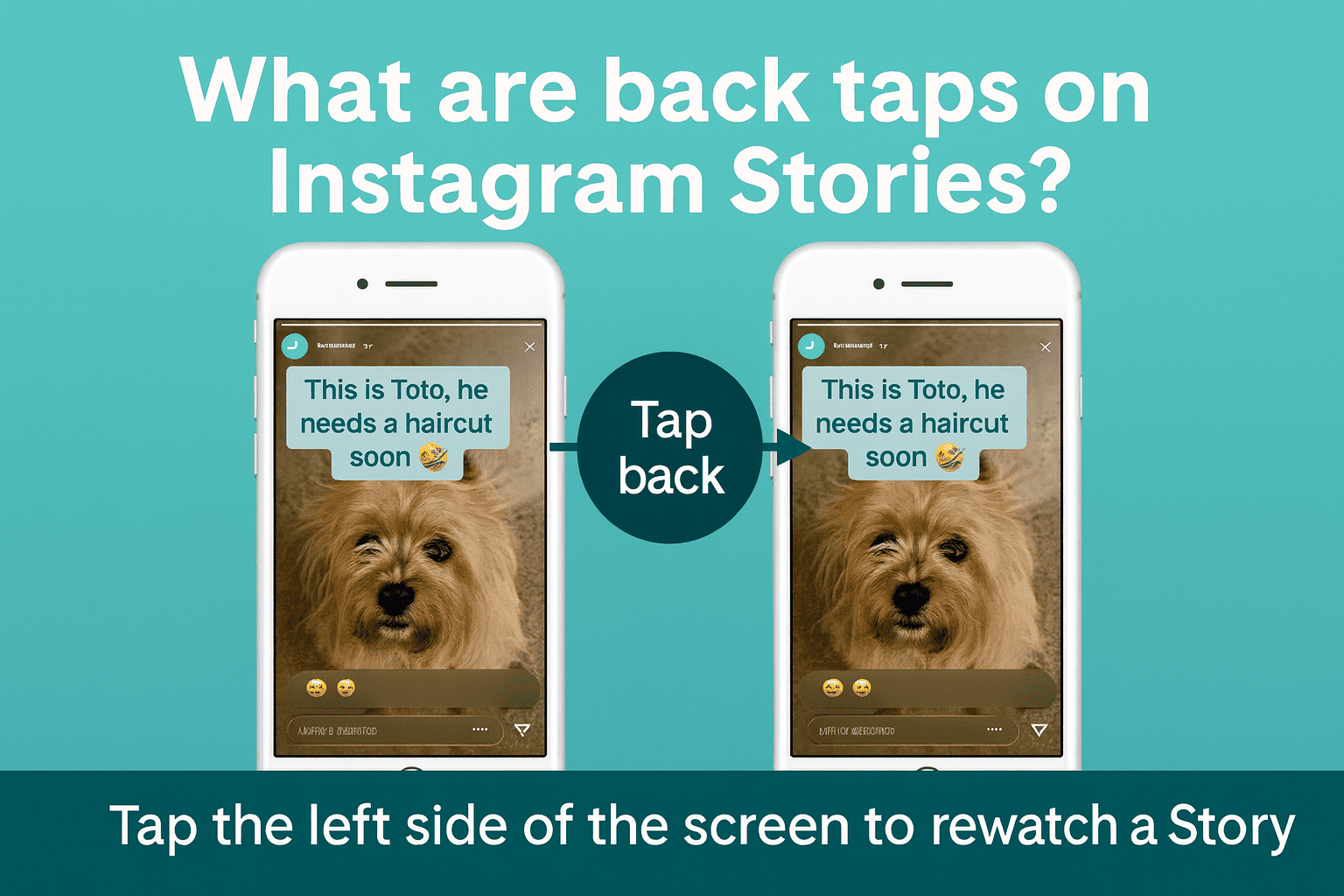
1. Back Taps – The Underrated Compliment
Back tap = user taps the left side of the screen.
This usually means:
- they wanted to rewatch something,
- they missed a detail,
- the text was a bit too fast,
- or they truly enjoyed the frame.
Back taps are one of the most positive story navigation signals. It’s like someone saying, “Hold up, show that again.” When brands run product demos, transitions, or before/after reveals, back taps often spike — a sign that content is worth a second look.
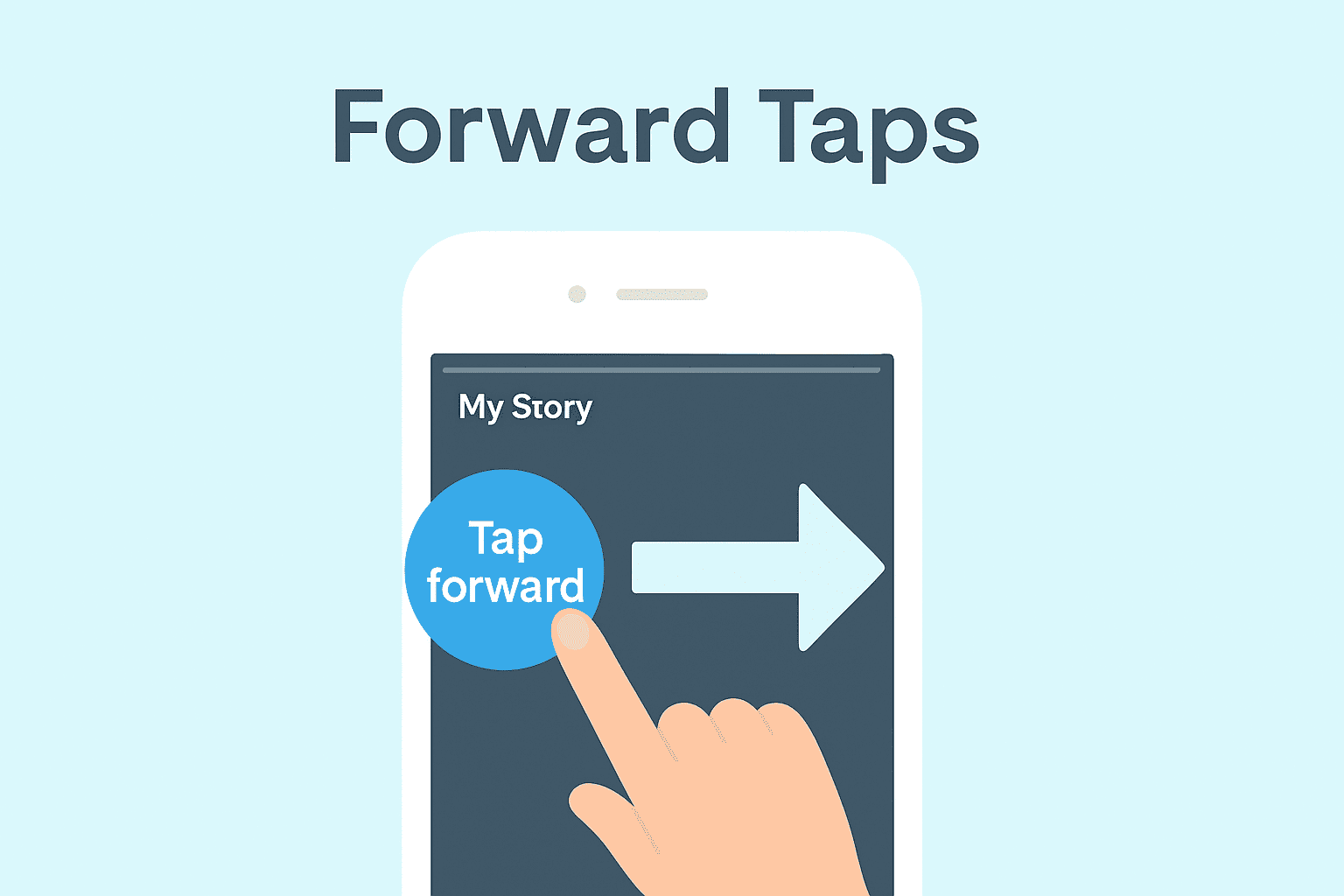
2. Forward Taps – Not Always a Bad Thing
Forward tap = user taps the right side to skip to the next Story frame.
People see forward taps and instantly assume, “They hated my content.” But that’s not always true. Forward taps can mean:
- the viewer wants the next part faster,
- your pacing is too slow,
- the slide is too text-heavy,
- they’re scanning for the “main point.”
Think of it like skimming a long article. You’re still interested – just impatient.
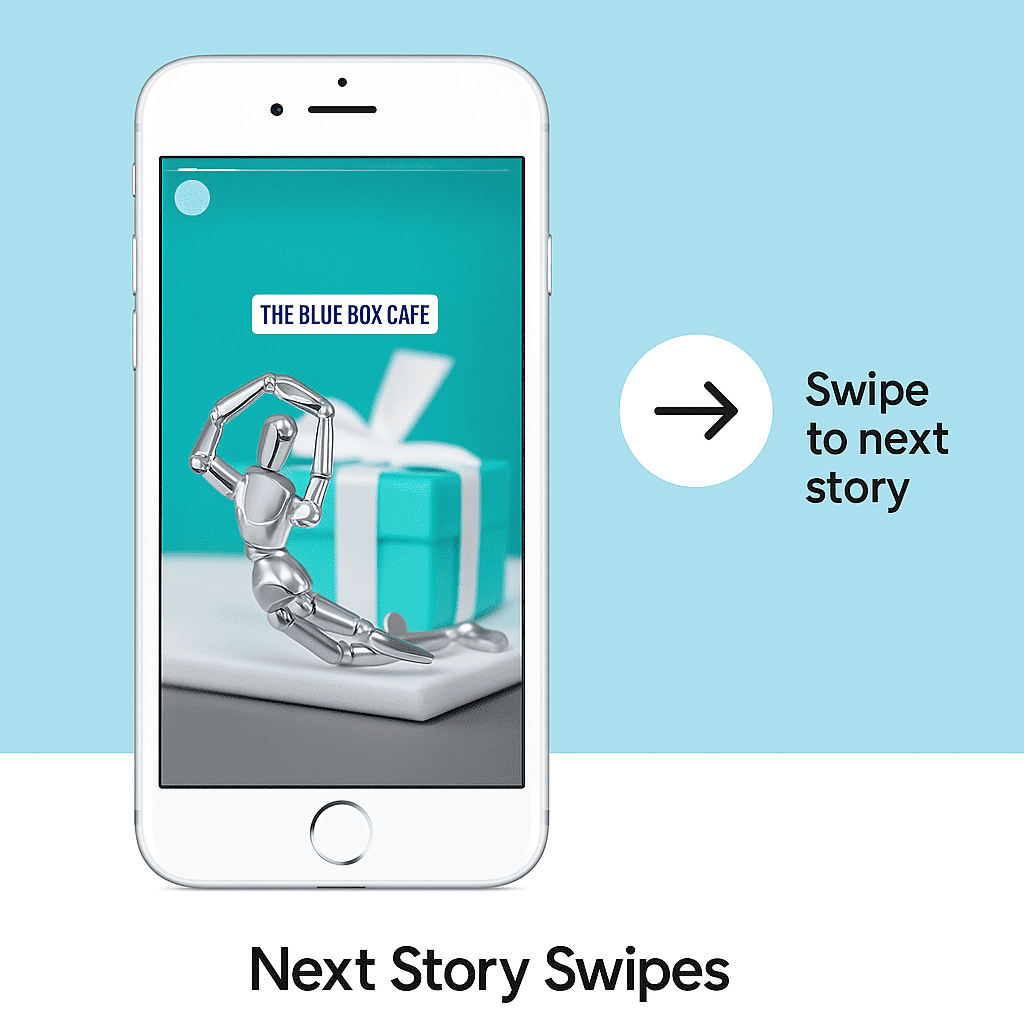
3. Next Story Swipes – The Real Danger Zone
Next story swipe = swiping left to leave your account’s Stories and move to the next profile’s Story.
This is more serious than a forward tap because the viewer isn’t just skipping a frame – they’re leaving your content entirely.
High next-story swipe rates often mean:
- weak hook on the first 1–2 slides,
- irrelevant topic,
- too much talking without visuals,
- Stories feel like ads, not content,
- your sequence is too long without payoff.
When you see a spike in swipes at one particular frame, that’s your red flag: something about that slide is pushing people away.
4. Exits – Not Always About Your Content
Exit = viewer leaves Stories completely (back to feed or closes the app).
Exits can happen because:
- someone called them,
- they got a notification,
- they opened Stories just out of habit,
- the content wasn’t relevant right now,
- they’ve simply seen enough.
Exits only become a problem when they cluster around the same parts of your Story again and again. Then it’s a signal that something in your flow or topic isn’t landing.
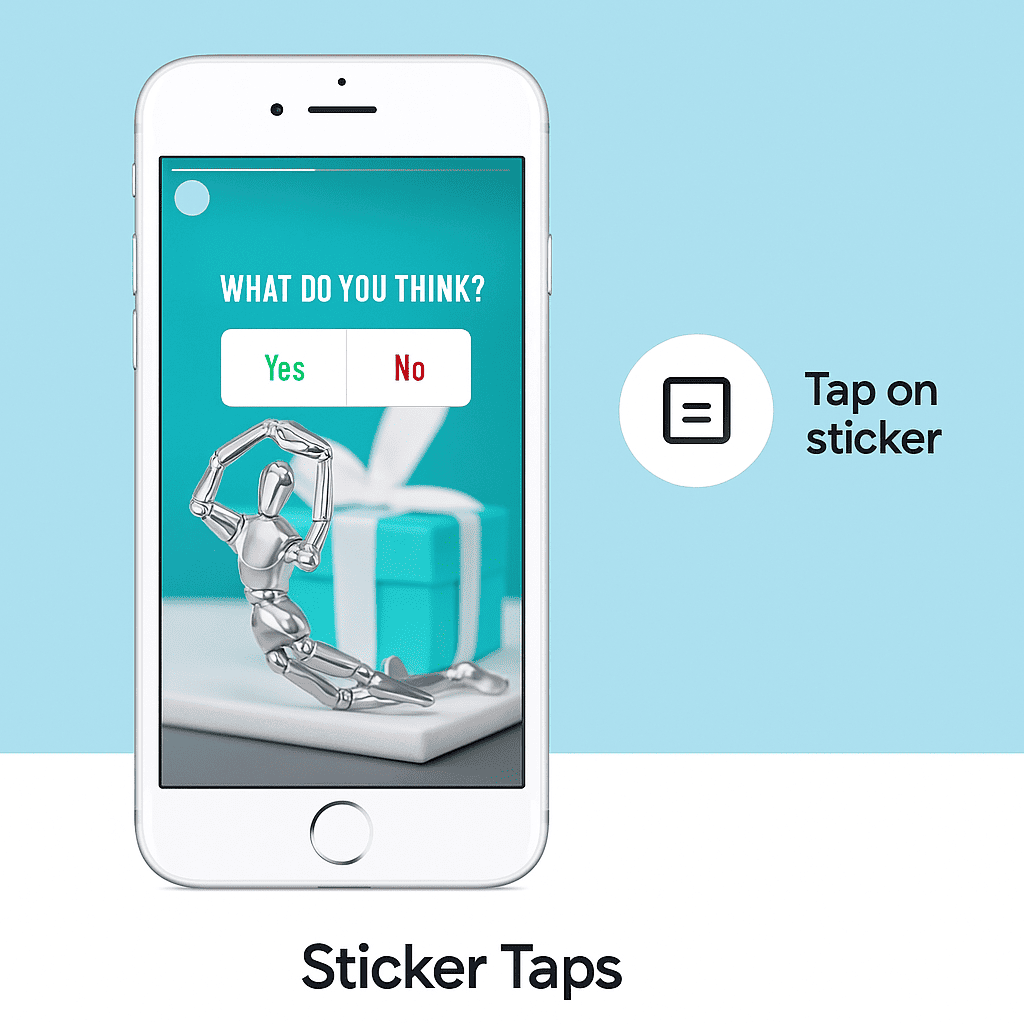
5. Sticker Taps – The Hidden Gold Mine
Sticker taps measure interactions with polls, sliders, question boxes, quizzes, hashtags, mentions, and location tags.
These are powerful because they show:
- trust,
- curiosity,
- time invested,
- willingness to participate, not just watch passively.
The official Instagram Creators hub has repeatedly highlighted interactive stickers as one of the most effective ways to boost engagement and keep Stories ranking high.
6. Time Spent – The Strongest Signal of All
In 2025, one of the strongest algorithmic signals is time spent per Story frame. This is like “watch time” on TikTok – how long someone stays before tapping forward or leaving.
Longer time spent usually means:
- the viewer is reading,
- they’re curious,
- the content feels “worth it.”
Very short time spent is a polite version of “nah, not it.”
How to View Instagram Navigation Insights (2025 Interface)
To access story navigation Instagram analytics, you need a Professional (Business) or Creator account.
- Open Instagram and go to your profile.
- Tap the menu (three lines) in the top-right corner.
- Tap Insights.
- Scroll down to Content You Shared.
- Tap Stories.
- Choose a specific Story or range of Stories.
- Scroll to the Navigation section to see back taps, forward taps, next-story swipes, and exits.
You’ll also see:
- Reach
- Impressions
- Link taps
- Profile visits
- Sticker taps
- Replies and reactions
All these metrics together tell you not just how many people watched, but how they watched.
Instagram Navigation Forward vs Next Story
Many creators confuse these two, but they mean very different things. Here’s the difference, in a mobile-friendly table.
| Action | What It Means | Why It Matters |
|---|---|---|
| Forward tap | Viewer skips ahead within your Story sequence. | Might signal slow pacing or dense slides, but they’re still interested in your content. |
| Next story swipe | Viewer leaves your Stories and moves to another account’s Stories. | A stronger negative signal: your hook, topic, or style didn’t hold attention. |
| Exit | Viewer leaves Stories entirely (back to feed or closes the app). | Neutral on its own; only problematic when exits spike in the same part of your Story. |
In short: forward taps aren’t automatically bad. Swipes are more worrying. Exits depend on context.
Understanding Instagram Navigation From a UX Perspective
One thing people rarely talk about: instagram navigation is basically a UX (user experience) dataset. When you group navigation behaviors together, you can see patterns like:
Retention Arc
How many people stay through the first 3–5 Story frames. If you lose half of your viewers in the first two slides, your hook isn’t doing its job.
Engagement Burst Points
The specific frames where people replay, tap back, or interact with stickers. These show you what your audience finds genuinely interesting, not just “fine.”
Drop-Off Zones
Frames where forward taps, swipes, and exits spike. That’s where your content becomes confusing, boring, or too heavy.
Viewer Fatigue
If you see more and more swipes as the sequence goes on, it’s usually a sign that your Story is too long for the value it delivers.
>>>Don’t miss: Buy Instagram Name
According to the Hootsuite Digital Trends Report, brands that optimize Stories for pacing and interaction see significantly lower skip rates and better overall completion rates.
Advanced Story Navigation Analytics (For Data-Lovers)
If you like going deeper than just “reach and impressions,” here are some advanced ideas you can track manually or in a spreadsheet:
1. Frame-by-Frame Drop Gradient
Look at how quickly viewers leave between each slide. If slide 3 consistently loses 20% more people than slide 2, that frame is your problem area.
2. Interaction-to-View Ratio
Take all sticker taps + link clicks, then divide by total impressions. This ratio shows how actively engaged your viewers are, not just how many saw your content.
>>>Don’t miss: Instagram Bots
3. CTA Responsiveness
Whenever you say “tap here,” “vote,” or “ask me a question,” check how many people actually follow through. This is a real indicator of trust and interest.
4. Completion Rate Curve
Measure what percentage of your audience makes it to the last slide of your Story sequence. Low completion rates usually mean either weak hooks or too many slides.
5. Viewer Consistency
Check if the same people keep returning to watch your Stories day after day. Consistent viewers are your core audience – the ones most likely to buy, share, or recommend your content.
Research from the Pew Research Center shows that younger audiences especially respond to short, high-value, and interactive formats, which fits perfectly into optimized Story navigation.
Best Practices to Improve Instagram Navigation
Here are practical tips to improve your story navigation Instagram metrics and keep people watching longer.
Use Strong Hooks in the First 1–2 Frames
Ask a question, make a bold statement, tease a result, or show the “after” first. If the first slide is just text like “Hi guys,” people will swipe away.
>>>Don’t miss: Buy TikTok Coins
Keep Text Readable and Short
Huge paragraphs usually equal forward taps or swipes. Use short lines, bullet points, and clear hierarchy. Think “mobile first” – because that’s how people watch.
Mix Talking and Visuals
A full sequence of talking-head videos can cause fatigue. Alternate between talking, visuals, screenshots, product close-ups, and text overlays to reset attention.
>>>Don’t miss: Hide Likes on Instagram
Add Interactive Elements
Polls, sliders, question stickers, and quizzes all increase time spent and make the viewer feel involved. Instagram itself states in multiple resources that interactive elements drive stronger Story performance.
Optimize Length and Pacing
Long Stories can work — but only if they deliver enough value. If your navigation shows increasing swipes and exits slide after slide, shorten your sequences or break them into parts.
>>>Don’t miss: Post GIF on Instagram Comments
Post When Your Audience Is Active
Timing matters more than people think. If you want better navigation and completion rates, post when your audience is actually online. You can see peak times inside your profile’s Insights.
Maintain a Consistent Visual Identity
Colors, fonts, layout – consistency builds recognition. When people instantly recognize your Stories, they’re more likely to stay, not swipe away.
Real Examples of Navigation Improvements
To make this more practical, here are a few patterns seen in real campaigns:
>>>Don’t miss: Buy Instagram Saves
Beauty Brand
- Before: swipe rate around 40–45% on Story sequences.
- After adding close-up textures, quick tips, and shorter text: swipe rate dropped below 20%.
Fitness Creator
- Added mini quizzes and polls to Stories.
- Sticker taps increased by 3x.
- Back taps grew because people rewatched fast tutorial demos.
>>>Don’t miss: Instagram Username Checkers
Fashion Brand
- Introduced behind-the-scenes and UGC (user-generated content).
- Time spent per frame doubled compared to static product shots.
In all these cases, creators didn’t just “post more.” They used instagram navigation data to adjust pacing, sequence order, and interaction elements.
>>>Don’t miss: Sexy Captions for Instagram
Final Thoughts – Navigation Is Psychology, Not Just Analytics
Now you’ve got a clear answer to what does navigation mean on Instagram, how Story navigation works, and why each tap or swipe matters so much for growth in 2025.
Navigation is basically your audience speaking in gestures instead of words:
- “This was interesting.”
- “Too long, sorry.”
- “Show that again.”
- “I’m curious, let me tap that sticker.”
- “Not today, I’m out.”
When you learn to read those signals, you stop posting randomly and start creating strategically. Your Stories become easier to watch, more fun to interact with, and way more likely to be boosted by the algorithm.
If you keep one thing from this guide, let it be this: instagram navigation isn’t a boring stats block – it’s your best feedback loop.